In an age where technology significantly enhances our driving experience, the Virtual Cockpit in Audi A3 and A4 models stands out as a marvel of modern automotive design. However, like any advanced system, it can encounter issues that may frustrate owners and affect the vehicle’s overall usability.
This guide is tailored for UK Audi owners and automotive enthusiasts, detailing common Virtual Cockpit issues, potential causes, and effective troubleshooting techniques. Whether you’re dealing with screen flickering, navigation problems, or simply want to understand your Audi better, you’re in the right place.
Understanding the Audi Virtual Cockpit
Definition and Overview
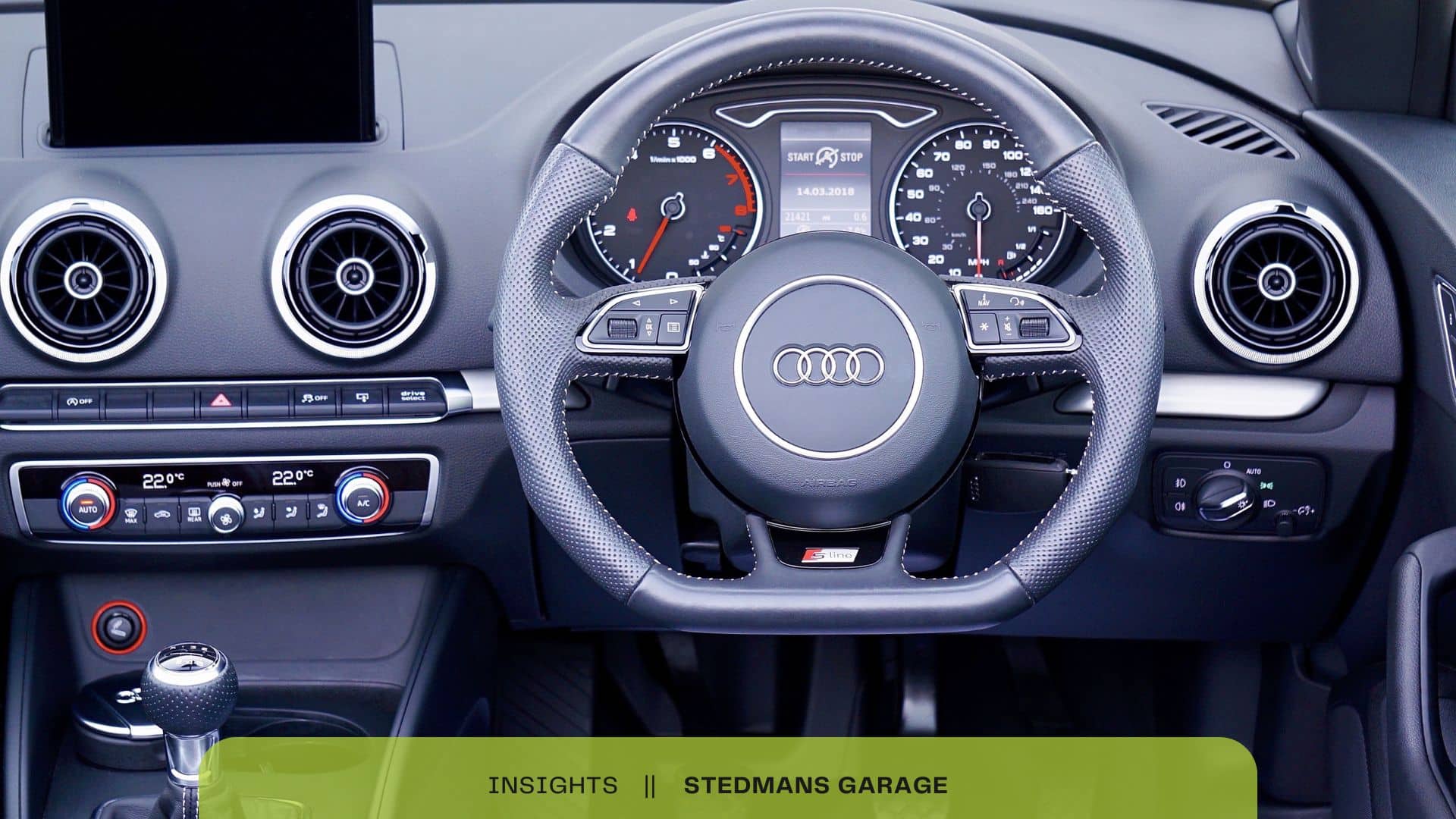
The Audi Virtual Cockpit is an innovative digital display that replaces traditional analogue gauges in Audi A3 and A4 models. With its high-resolution screen, the Virtual Cockpit allows drivers to customise their instrument cluster to suit personal preferences. From navigation maps to infotainment controls, all essential information can be displayed clearly and intuitively. This system typically integrates with Audi’s MMI (Multi Media Interface), enhancing overall functionality and improving the driving experience.
Common Technology Issues
While the Virtual Cockpit offers numerous advantages, it is not immune to flaws. Technology issues can arise due to software glitches, connectivity problems, or sensor malfunctions. These issues may manifest as display malfunctions, failed connections, or misrepresentation of vital information. Understanding these potential pitfalls can empower owners to address problems before they escalate into major concerns.
Common Faults in Audi A3 & A4 Virtual Cockpit

Screen Flickering and Display Issues
Definition and Possible Causes
Screen flickering or display issues in the Audi A3 and A4 can often stem from several factors, including software glitches, faulty connections, or hardware malfunctions. A common scenario involves the screen intermittently fading or flashing, making it difficult for drivers to view essential information.
Symptoms
If you notice flickering under specific conditions, such as accelerating, turning, or during a software update, it’s indicative of a malfunction. Users on Audi forums frequently report that flickering tends to increase with temperature changes or after prolonged use.
Troubleshooting Tips
- Check for Software Updates: Ensuring the Virtual Cockpit software is up to date can often resolve display issues.
- Inspect Wiring Connections: A loose connection can lead to flickering. Gently tug on the cables leading to the display to ensure they are secure.
System Reboots and Freezes
Triggers and Manifestations
System reboots or freezing screens can be exasperating experiences for Audi A3 and A4 owners. These issues often arise during intense system use or after a prolonged period without a reset. Drivers may find that the Virtual Cockpit resets unexpectedly or fails to respond when accessing navigation or media features.
Real-World Examples
Numerous users have reported their systems freezing while switching between media playback and navigation. Forum discussions reveal that these reboots might originate from using incompatible devices connected to the vehicle.
Navigation and Connectivity Problems
Impact on Usability
Navigation and connectivity issues can severely hinder your driving experience. Problems typically manifest as loading delays, disconnections, or inaccurate GPS positioning. Most often, users experience these problems when attempting to connect smart devices to the MMI system.
Troubleshooting Connectivity Problems
- Retry Bluetooth Connections: Ensure your device is properly paired. Deleting the previous connection and re-establishing it can often solve the problem.
- Inspect GPS Antenna: If navigation fails, the vehicle’s GPS antenna may be at fault. Checking for physical obstructions or damage is crucial.
Miscommunication with Vehicle Sensors
What Happens
The Virtual Cockpit relies heavily on accurate data from various vehicle sensors. A sensor malfunction can lead to erroneous information being displayed, confusing the driver and impairing decision-making.
Importance of Accurate Sensor Data
For example, if the fuel sensor provides incorrect readings, you could run out of fuel unexpectedly. Likewise, errors in temperature sensors could lead to unnecessary alerts for coolant levels. Regular diagnostics can help identify miscommunication between sensors and the cockpit.
Troubleshooting and Resets for Virtual Cockpit Issues
Quick Fixes and Reboots
Soft and Hard Resets
When facing minor Virtual Cockpit issues, a reset can be an effective first step.
- Soft Reset:
- Turn off the ignition and wait 10 seconds.
- Restart the vehicle and check if the issues persist.
- Hard Reset:
- Press and hold the “Menu” button on the MMI until the system restarts (about 10-15 seconds). This method often resolves more persistent issues, particularly those affecting system functionality.
Effective Scenarios
Many Audi owners report success after a hard reset, especially when dealing with a freezing screen or unresponsive display.
Software Updates and Upgrades
Importance of Keeping Software Up to Date
Keeping your Audi’s software current is essential for maintaining optimal performance of the Virtual Cockpit. Regular updates often include bug fixes, performance enhancements, and new features significantly improving the driving experience.
Step-by-Step Guide to Access Updates
- Using Audi Connect:
- Ensure your vehicle is connected to Wi-Fi.
- Navigate to the settings menu on the MMI screen.
- Check for software updates under the “Updates” tab, following prompts to download and install.
Benefits of Regular Updates
Drivers who frequently update their systems report fewer glitches and a smoother overall experience.
When to Seek Professional Help
Recognising the Limits of DIY Fixes
While routine checks and resets can resolve many issues, persistent problems may require professional diagnostics and repair.
Seeking Professional Assistance
If the Virtual Cockpit continues to malfunction, contacting an Audi authorised dealership or specialist is essential. They have access to specialised diagnostic tools that can identify issues that might elude even the most attentive owner.
Recommended UK Audi Service Centres
Consulting local service centres, such as those in London, Manchester, or Birmingham, can yield quicker resolutions and provide peace of mind for Audi owners.
Actionable Tips Section
Step-by-Step Advice for Troubleshooting Virtual Cockpit Issues
- Initial Inspection:
- Look for visible signs of damage to the screen or buttons.
- Ensure all connections to auxiliary devices are secure.
- Perform a Soft Reset:
- Turn off the car, take a breath, and ensure everything is powered down before restarting.
- Update Nearby Devices:
- Ensure your smartphone or any connected device is up-to-date. This can help alleviate connectivity issues.
- Review Compatibility:
- Confirm that the software version of your device is compatible with the Audi A3 or A4 MMI system.
- Visit User Forums:
- Engage with other Audi owners on platforms like AudiFest or dedicated forums. These communities often provide insights into effective troubleshooting methods.
- Document Errors:
- Keep a log of error messages or symptoms to share with professional service providers.
Conclusion
In summary, understanding the common faults associated with the Audi A3 and A4 Virtual Cockpit is crucial for owners wishing to ensure optimal performance. By identifying the nature of Virtual Cockpit issues and implementing the troubleshooting techniques discussed, drivers can maintain a seamless driving experience.
In the ever-evolving world of automotive technology, being proactive is key. Take charge of your Audi’s maintenance today. If you encounter persistent issues, contact your local Audi dealer for expert assistance. Don’t let technical issues dampen your driving experience; act, resolve, and enjoy the luxury and performance you expect!